
CRM for small businesses

How CRM Helps Small Businesses Grow: A Simple Guide
Most small businesses don’t struggle because of a lack of leads.
They struggle because leads are not managed properly.
Common problems include:
- Leads coming from WhatsApp, calls, forms, and emails
- Missed follow-ups
- No idea which leads are hot or cold
- No clear sales process
- No visibility into conversions
This is exactly where CRM for small businesses makes a difference.
A CRM is not a complicated tool meant only for large companies.
In fact, small businesses benefit the most from CRM because every enquiry matters.
This guide explains:
- What CRM is (in simple terms)
- How CRM helps business growth
- A practical CRM setup checklist
- Best CRM features to start with
How small businesses can use CRM without complexity
What Is CRM? (Explained Simply)
CRM stands for Customer Relationship Management.
In simple words, a CRM is a system that helps you:
- Store all customer and lead details in one place
- Track enquiries from different sources
- Manage follow-ups
- Monitor sales progress
- Build long-term customer relationships
Instead of relying on memory, Excel sheets, or WhatsApp messages, everything is organised and visible.
Why Small Businesses Need CRM More Than Big Companies
Large companies can afford inefficiencies.
Small businesses cannot.
Here’s why CRM helps small businesses grow faster:
- Smaller teams = less margin for error
- Every missed lead = lost revenue
- Manual follow-ups don’t scale
- Owners need visibility without micromanaging
CRM gives structure, clarity, and control.
How CRM Helps Small Businesses Grow (In Detail)
1. All Leads Are Organized in One Place
Without CRM:
- Leads are scattered
- Some are forgotten
- Some are followed up too late
With CRM:
- Every lead is saved automatically
- Source is tracked (ads, website, calls, referrals)
- Status is visible at all times
This alone can improve conversions by 20–30%.
2. CRM Improves Follow-Ups (Biggest Growth Factor)
Most sales are lost because of poor or delayed follow-ups, not because people are not interested.
CRM helps by:
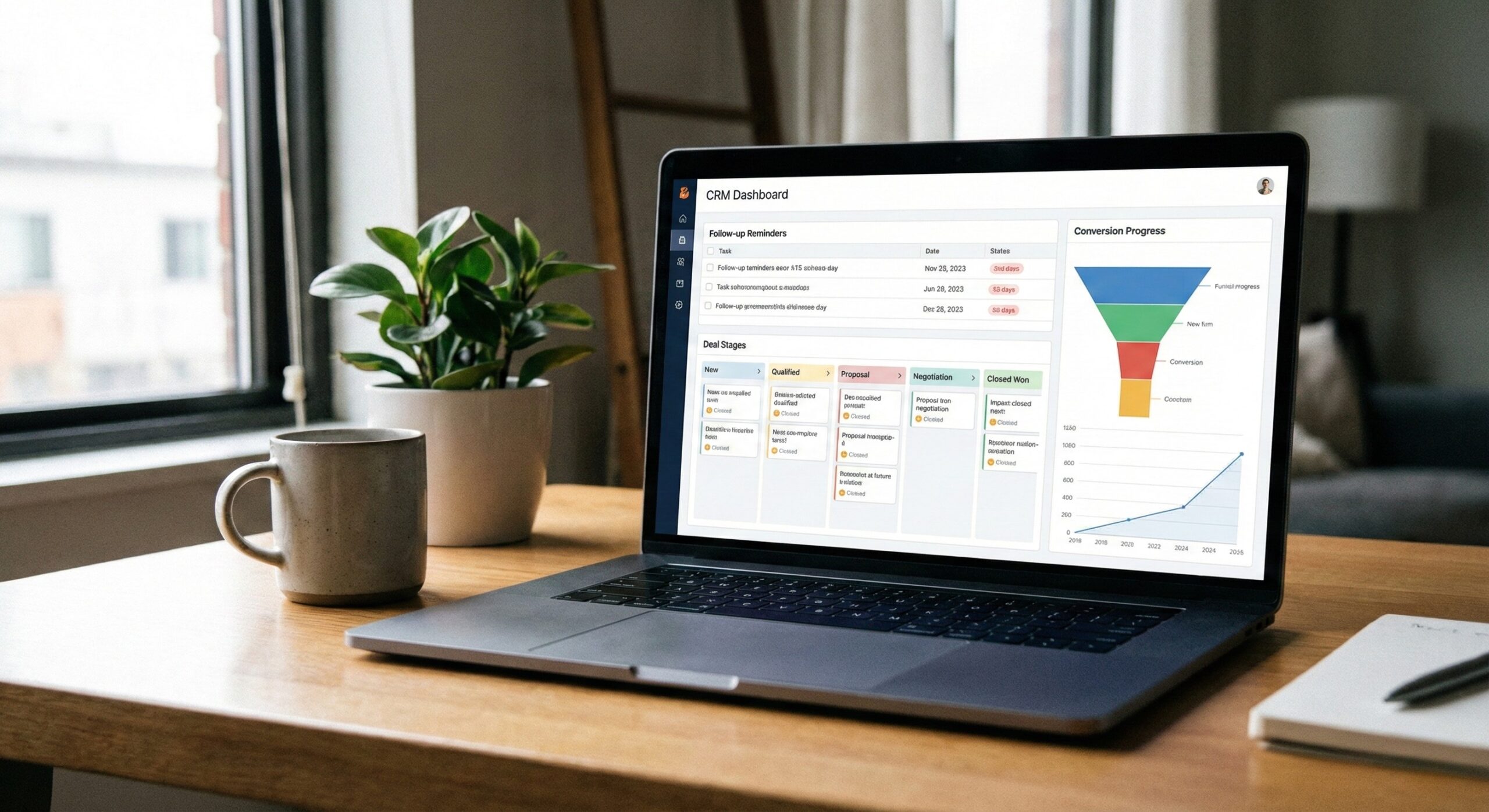
- Setting automatic reminders
- Showing last interaction clearly
- Preventing duplicate follow-ups
Follow-ups become system-driven, not memory-driven.
3. CRM Creates a Clear Sales Process
CRM forces clarity in sales.
It helps define:
- Lead stages
- Qualification status
- Expected deal value
- Closing timelines
This turns sales into a repeatable system, not guesswork.
Even if a new salesperson joins, they can understand the process quickly.
4. CRM Improves Customer Relationships & Retention
CRM is not only for new leads.
It helps track:
- Existing customers
- Purchase history
- Past conversations
- Support issues
This helps businesses:
- Upsell and cross-sell
- Build long-term relationships
Increase repeat business
Create a CRM Setup Checklist for Small Businesses
You don’t need a complex CRM setup to start.
Use this simple CRM setup checklist:
CRM Setup Checklist
- Choose a CRM that fits your business size
- Add all lead sources (website, ads, calls, WhatsApp)
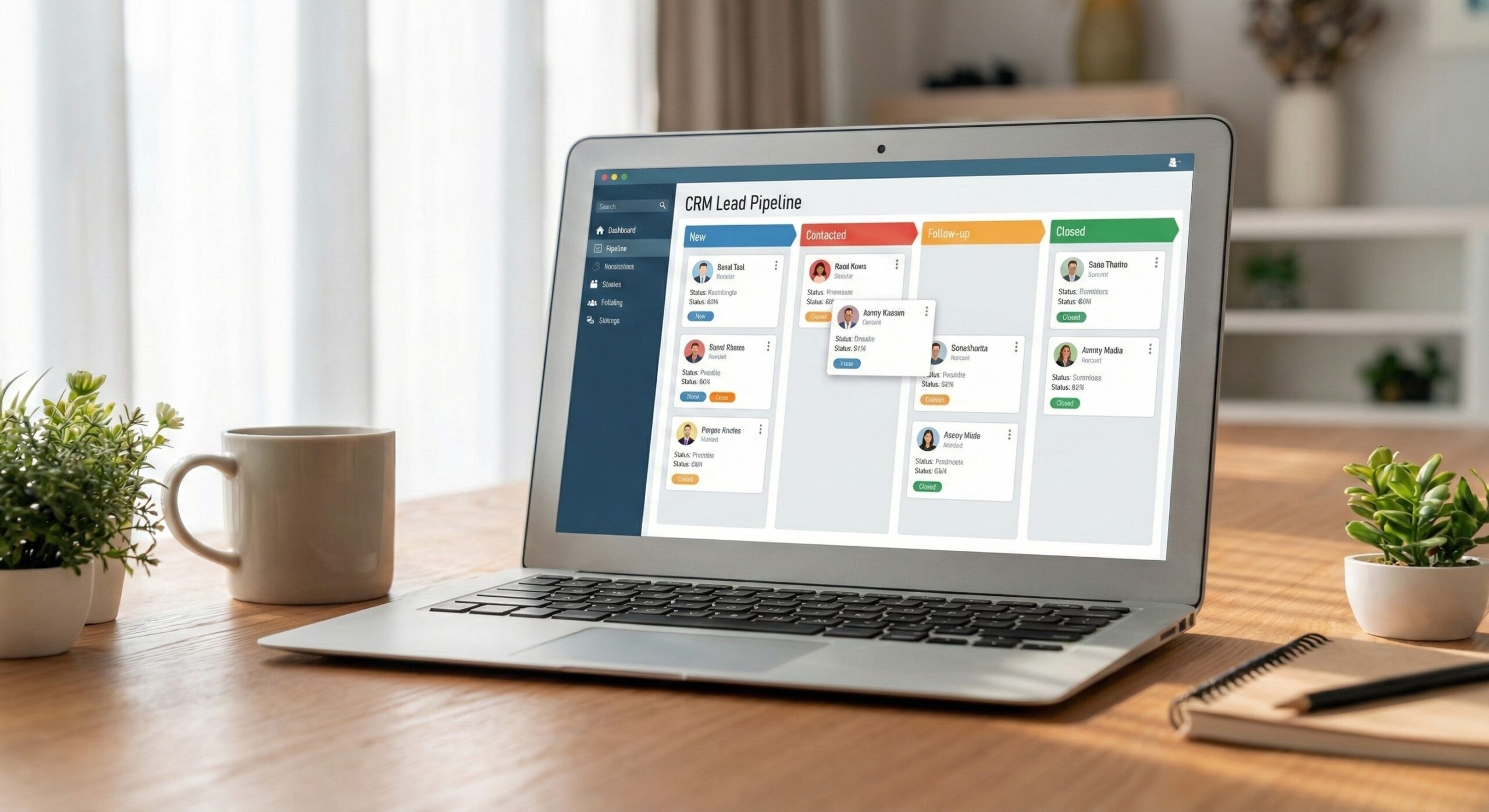
- Create basic sales stages (New → Contacted → Follow-up → Closed)
- Assign ownership to each lead
- Set follow-up reminders
- Track lead source and deal value
- Review CRM daily or weekly
This setup alone covers 80% of CRM benefits.
Best CRM Features to Start With (Don’t Overcomplicate)
Many businesses fail with CRM because they try to use everything at once.
Start with only these essential CRM features:
Must-Have CRM Features
- Lead Management – Capture and store all enquiries
- Follow-Up Reminders – Never miss a call or message
- Sales Pipeline View – See where each deal stands
- Contact History – Track every conversation
- Basic Reports – Leads, conversions, and performance
Advanced features can come later.
Simplicity drives adoption.
Common CRM Mistakes Small Businesses Should Avoid
- Choosing overly complex CRM tools
- Not training the team
- Using CRM only occasionally
- Not updating lead status
- Treating CRM as data storage, not a sales tool
CRM works only when used daily and consistently.
How Sociohigh Helps Small Businesses Use CRM Effectively
At Sociohigh, CRM is not just a tool, it’s part of a growth system.
We help businesses:
- Select the right CRM
- Set up sales pipelines
- Integrate marketing leads
- Train teams
- Track performance
When CRM and marketing work together, growth becomes predictable.
Final Thought
More leads don’t guarantee growth.
Better lead management does.
CRM gives small businesses the structure they need to grow confidently and consistently.